
How to Search the Miami County Court Docket
First, figure out which court holds the case. The Miami County Clerk of Courts keeps the records for Common Pleas and Municipal Court. Probate and Juvenile run their own separate offices. Felonies, Common Pleas civil cases, domestic-relations matters, and appeals live in the Common Pleas and Clerk system. Misdemeanors and traffic cases usually start in Miami County Municipal Court. So do municipal civil cases and small claims. Sort that out before typing a name or case number anywhere. It saves real time.
The main entry point is Miami County CourtView/eServices. It is the county's official portal for Common Pleas and Municipal case information. Its public landing page lets you search by case number. You can also search by case type, name, attorney, and ticket or citation number. A case number or citation number works best. If all you have is a name, check the court, the filing date, and the case number on each result. Do that before assuming you found the right Miami County court docket.
- Identify the court division from the citation, notice, case number, or case type before searching.
- Open CourtView/eServices for Common Pleas or Municipal Court case information and complete the normal browser verification prompt.
- Use the narrowest available search detail, such as a case number, citation number, name, case type, or attorney.
- Read the result as public case information, then check the court, dated events, and any listed setting before acting on it.
- Call or visit the court office that holds the record when the search is incomplete, a date is time-sensitive, or an official copy is needed.
Note: The CourtView terms bar anyone from bypassing its controls, parsing pages directly, or pulling bulk data. Use the county service the way it was built, through its normal public interface.
Miami County Court Docket Search Fields
The CourtView landing page offers four service paths: Case Search, Filing, Payments, and Calendar. The public card for Case Search describes search concepts only. It does not show a complete form. The live legacy search controls sit behind an "I'm not a robot" step. So the landing page alone will not tell you how Miami County handles name order, wildcards, punctuation, or one universal case-number format.
The official CourtView/eServices landing page lists the Miami County court docket search functions. The county provides them.
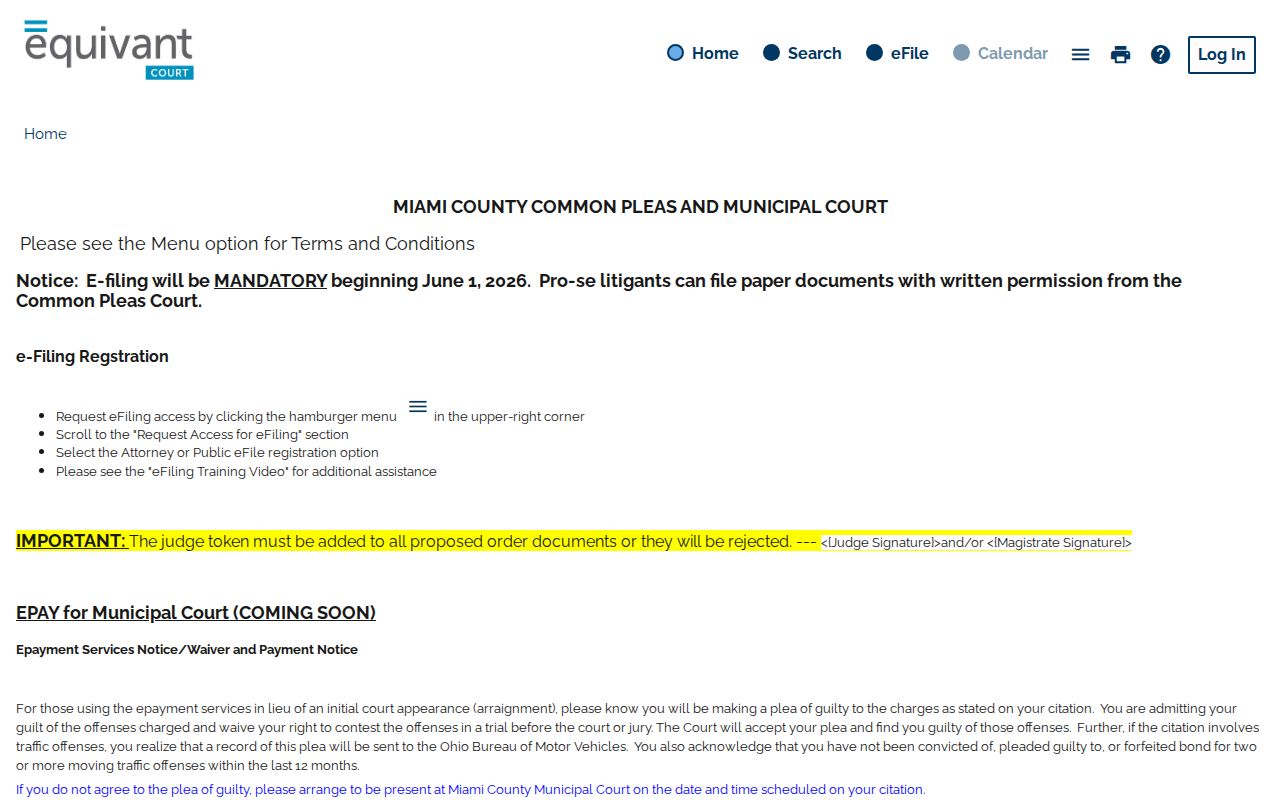
The portal is a genuinely useful public route into a Miami County court docket. Just note the terms: the online material is selected information, not the official record itself.
| Portal path | What the county identifies | Use with care |
|---|---|---|
| Case Search | Case number, type, name, attorney, and ticket or citation number are named search concepts. | Exact field rules were not publicly visible before verification. |
| Calendar | Schedules and permitted bookings are advertised. | Confirm a time-sensitive setting with the court office. |
| Filing | Public and attorney e-filing access requires registration or login. | Filing access is separate from public case lookup. |
| Payments | A case-level PAY option may appear for eligible matters. | Availability is case-dependent and payment can have legal consequences. |
What a Court Docket Shows
A Miami County court docket is the dated public index of a proceeding. Expect to see the case number, caption, court or division, filings and orders, settings, and disposition, though what appears remotely varies by division and access status. CourtView labels its display "case information." The Clerk's terms warn that the service may not include every filed document. So treat a docket entry as a way to trace a case path, not a replacement for reading the official file.
| Case number | The court-assigned identifier. Probate’s weekly docket shows numeric identifiers, including current eight-digit values, but no universal Miami County format is published. |
|---|---|
| Case title | The formal case title or caption. Probate displays a Case Title column on its weekly docket. |
| Court or division | The layer that controls the route, such as Common Pleas, Municipal, Probate, or Juvenile. |
| Filings and entries | Dated items submitted to the clerk or entered by the court, including orders and judgment entries where public access permits. |
| Settings | A scheduled event. Probate’s public weekly docket supplies Date & Time, while CourtView advertises schedule viewing. |
| Disposition | The recorded result or current outcome of a charge or case when it is made available. |
Copy an identifier exactly as printed on a citation, clerk notice, or result screen. Miami County publishes no single Common Pleas criminal format or Municipal citation pattern. Guessing one risks a missed record.
Miami County Court Docket Terms
No verified countywide glossary of short docket codes exists for Miami County. When a full dated description is available, read it instead of assigning your own meaning to an abbreviation. A handful of common record terms still help place a Miami County court docket in plain language.
- Case information
- Miami County’s term for electronically displayed public case data.
- File-stamped copy
- A Clerk copy that shows a pleading or order was filed. Miami directs requests for these court-file records to the Clerk of Courts.
- Setting
- A scheduled court event. It is not a promise that a trial or hearing will go forward unchanged.
- Continuance
- A court-authorized move of a scheduled hearing or trial to another date.
- Judgment entry
- The filed written record of a ruling or disposition.
Ask the right clerk about an unclear next action or disposition. A short code without its dated description tells you nothing certain about what Miami County court staff intend.
Which Courts Keep Dockets
Miami County splits its records across several paths. The Court of Common Pleas contains General, Probate, and Juvenile Divisions. Miami County Municipal Court handles countywide municipal matters. The Clerk's unified structure covers the official Common Pleas and Municipal records. But Probate and Juvenile keep their own contacts and published resources. Let the court and division control your search route, not a city name.
The county's Courts directory lays out the Miami County court divisions. Together they make up this court-docket map.
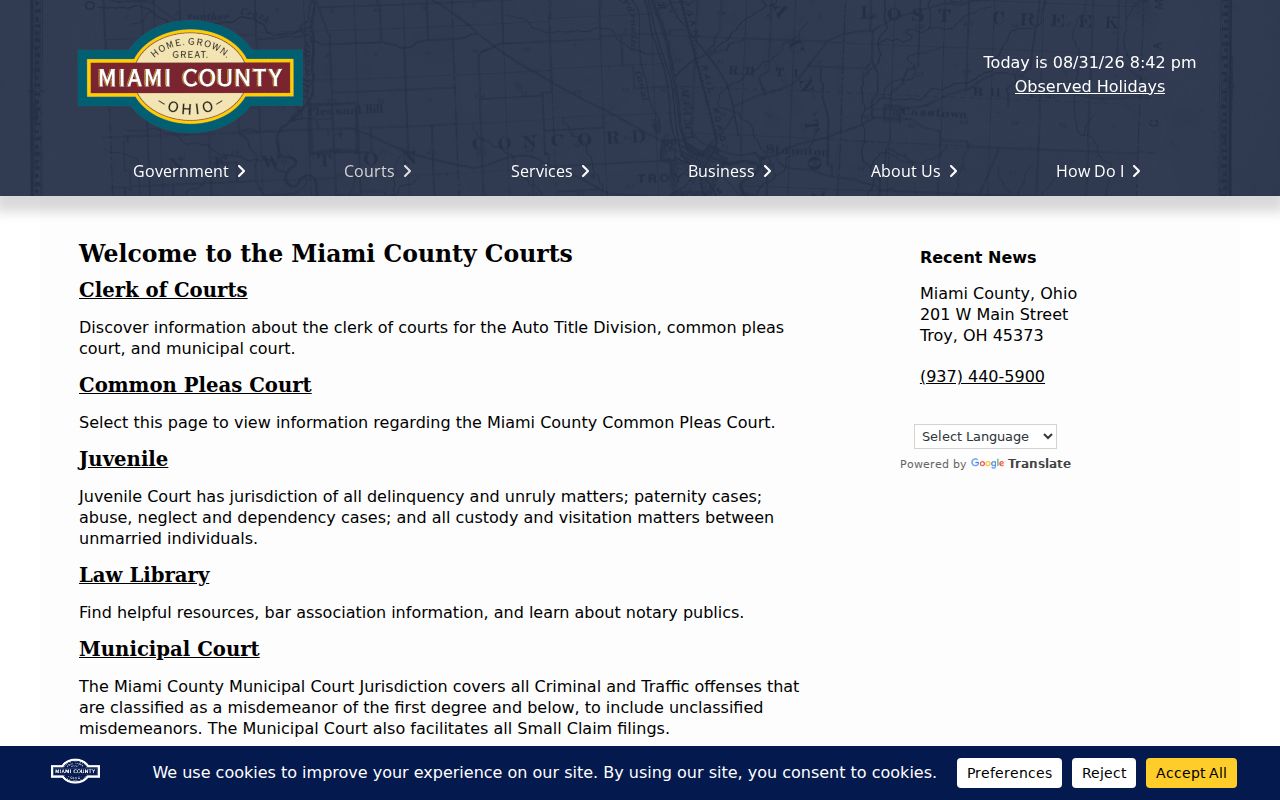
That directory points to a simple rule. A Miami County court docket search should start with the court handling the matter, not a general city-office lookup.
| Court | Docket covers | Where to search |
|---|---|---|
| Common Pleas, General Division | Felonies, major civil matters, domestic-relations cases, and appeals-related records. | CourtView/eServices; official file or copy through the Common Pleas Clerk. |
| Miami County Municipal Court | Countywide misdemeanors, traffic, preliminary felony hearings, municipal civil matters, and small claims. | CourtView/eServices; Municipal clerk counters for the official route. |
| Probate Division | Estates, guardianships, name changes, adoptions, civil commitments, and marriage licenses. | Probate case search, Weekly Probate Court Docket, and Probate office. |
| Juvenile Division | Delinquency, abuse, neglect, dependency, paternity, and juvenile traffic matters. | Juvenile Court office and its authorized channels, not a general public name search. |
Miami County Court Records Start With Court
Miami County Municipal Court holds countywide territorial jurisdiction. A case from Piqua, Tipp City, or any other Miami County community can still land at the downtown Troy court cluster. The same caution applies to Huber Heights and Union. There an address alone cannot settle which portion sits in Miami County or which court holds the record. Before choosing a portal or clerk, confirm the case caption, court name, and location printed on the paper.
The Miami County government home page links into the county structure behind these court routes.
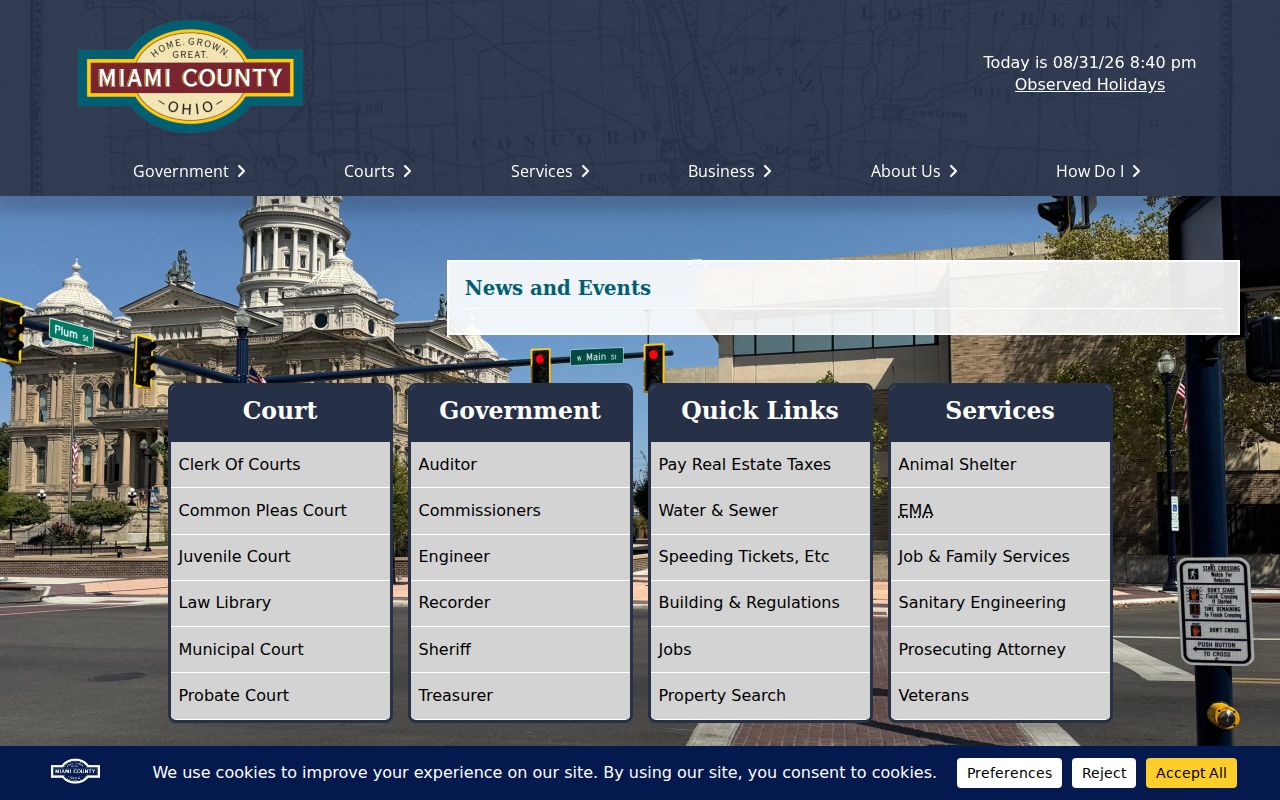
Countywide jurisdiction explains one quirk. A Miami County court record can lead to a county court even when the parties live outside Troy.
A felony may also pass through Municipal Court early on. That comes before Common Pleas after grand-jury action or a transfer. Municipal Court runs the preliminary felony hearings; Common Pleas carries the felony case itself. Each layer keeps its own dated case activity. So the right record path can shift as the matter moves forward.
Finding Court Dates and Settings
Miami County gives you several ways to check a calendar. CourtView/eServices offers a Calendar function covering Common Pleas and Municipal schedules. A municipal traffic citation is still worth keeping close. It lists the first date and time in plain print. Probate takes a different path. That division posts its own Weekly Probate Court Docket. It is organized by Case Number, Case Title, and Date & Time. What it lacks is just as notable. There is no courtroom, no judge, and no setting-type field. Some categories never appear at all.
Work from the newest entry or calendar row, not an older setting that has already passed. Then confirm the date with whichever office owns the case: Common Pleas, Municipal traffic and criminal, Municipal civil, Probate, or Juvenile. For a fuller map of these channels, see the Miami County court calendar. One caution before you rely on any screen. Portal maintenance, a legal holiday, or a changed court instruction can shift a displayed setting. So confirm an upcoming appearance directly with the court.
Miami County Court Date Confirmation
The Calendar card on CourtView makes a fair starting point. But do not count on live filters there. No unconfirmed filter for court, date, attorney, or case should be expected. Probate is the friendlier division here. The county publishes a weekly docket anyone can read. Its format is good for finding the time of a listed matter. An empty row, though, tells you nothing about categories the calendar leaves out.
For the division's calendar and its record route, the official Miami County Probate Court resource is the place to look. Its page lays out both the schedule and how to reach the record itself.
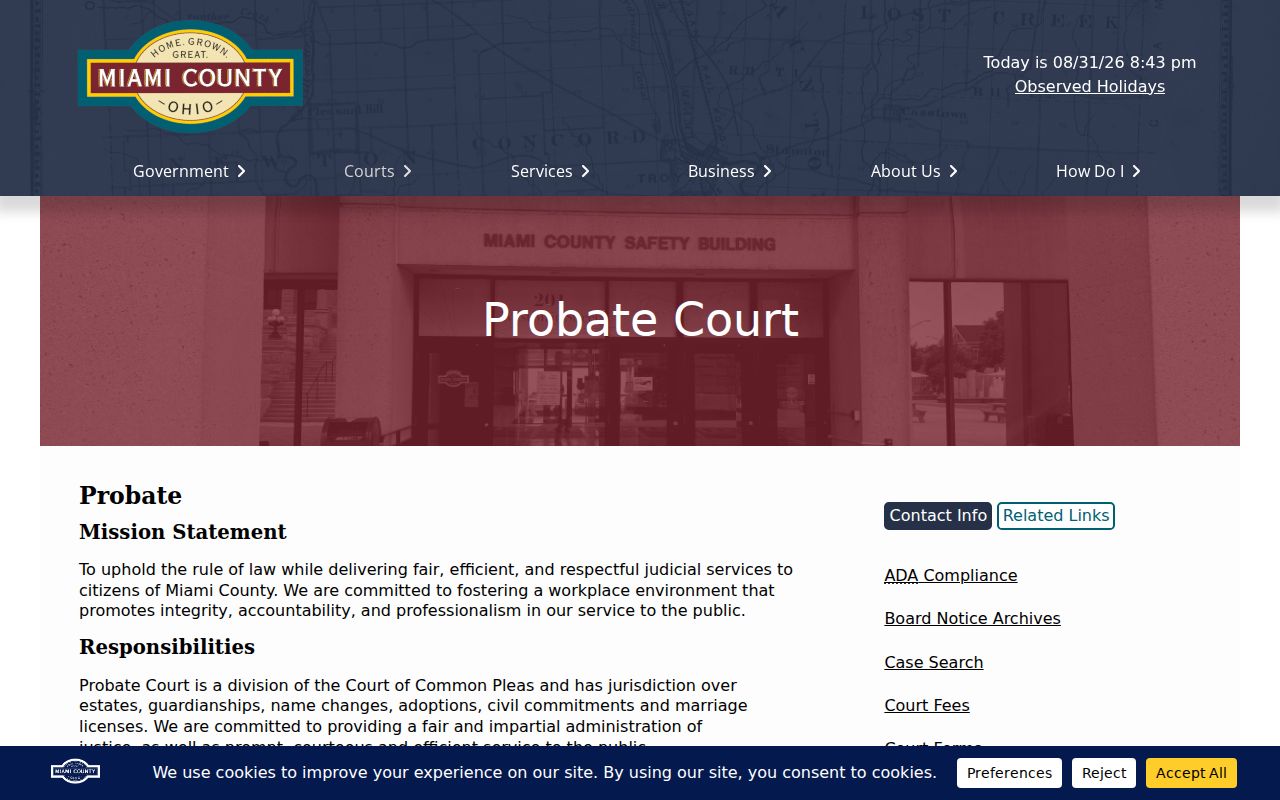
Adoption and mental-illness matters are left out of the Weekly Probate Court Docket on purpose. Confirm those categories directly with Probate.
Public Access to Dockets
Ohio court records are open to the public in general. Yet openness does not put every document on a screen. Miami County's portal terms say plainly that CourtView carries selected public information. It may omit filed documents, and it is not the official record. So the sensible sequence is simple. Search remotely first. Then call or visit the clerk or court office that holds the file when an entry, a document, a date, or a copy needs confirmation. Direct access can reach more than remote access under Ohio court-record rules.
The county's CourtView public-access terms spell out the limits that come with its online Miami County court docket information. Reading them takes only a few minutes.
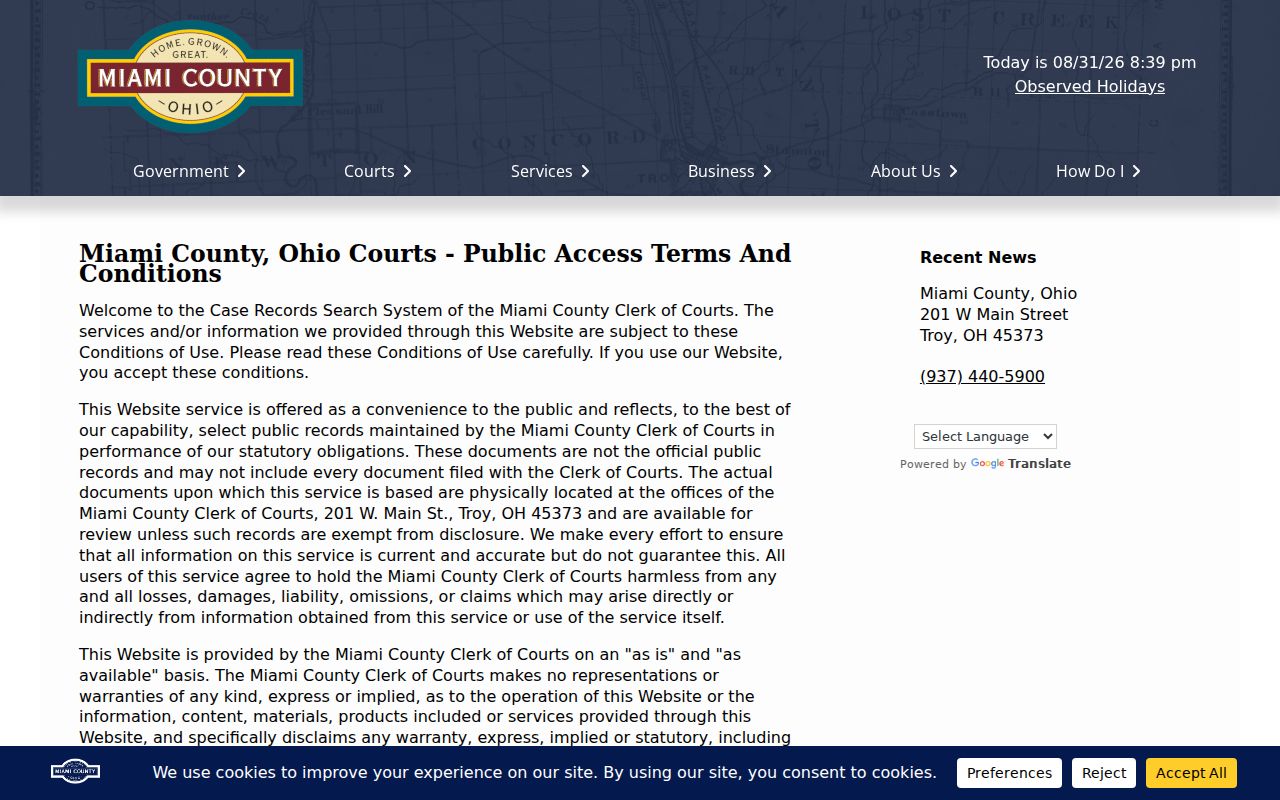
The upshot is to treat the portal as a case-information tool. For anything official, use the office that holds the file.
Key Ohio access rules:
Ohio Rules of Superintendence, Rule 44 defines court records, direct access, remote access, and protected personal identifiers.
Ohio Rules of Superintendence, Rule 45 starts with public access while allowing courts to manage direct and remote access.
Ohio Revised Code 149.43 provides the state public-records baseline for public-office inspection and copies, subject to exemptions.
Ohio Revised Code 2953.32 establishes the adult sealing and expungement process for eligible records.
Miami County Court Docket Access Limits
A blank screen is not a verdict. A no-result display does not prove that no Miami County court event ever happened. The portal may simply lack a document. Ohio rules let remote access stay narrower than what you could read in person. Juvenile matters sit inside their own confidentiality and sealing framework. The Probate weekly docket, as noted, leaves out adoption and mental-illness matters. Adult records can be restricted too. The statutory and court process that applies governs that path.
When the online result falls short, the official Miami County Municipal Court page identifies the municipal route. That route fills the gap.
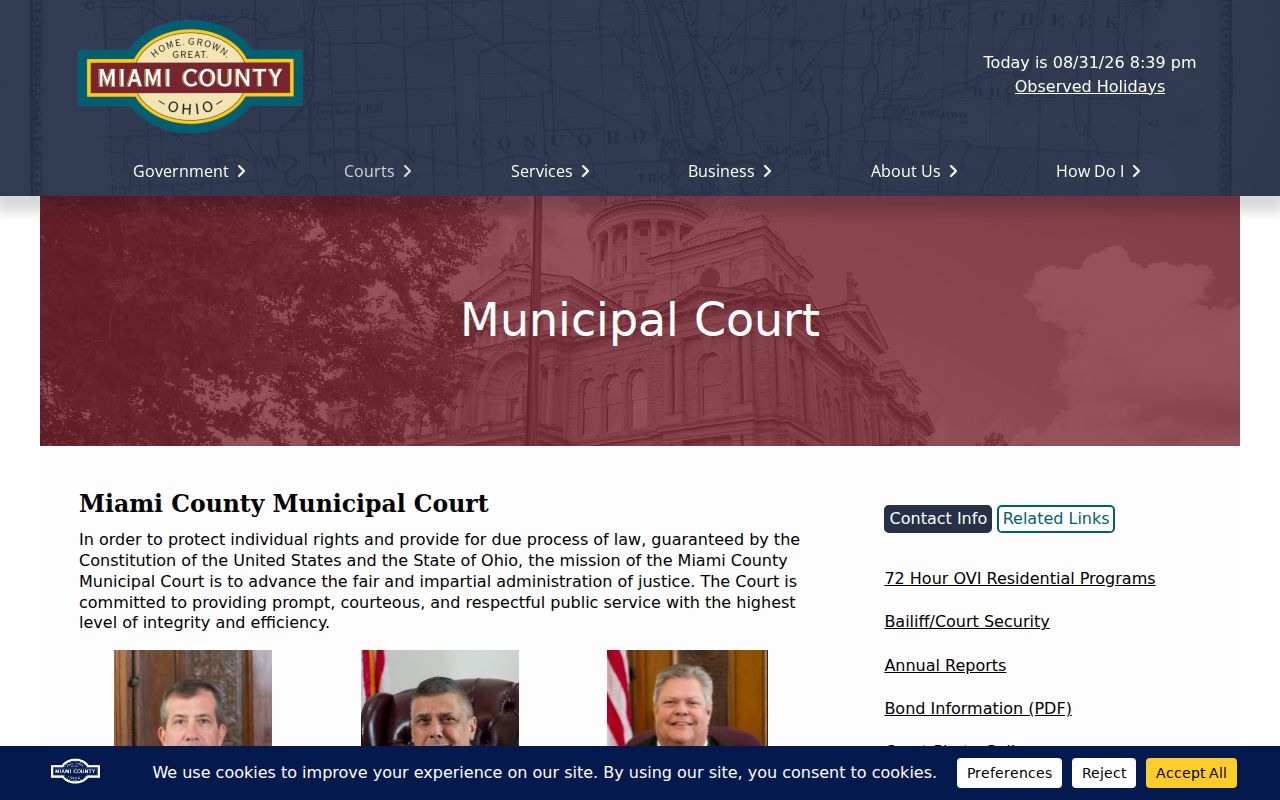
When a public display looks incomplete, the Miami County court office keeping the record can explain the direct-access or copy path you are allowed to use. Skip the workarounds. Repeated name variants, technical tricks, and unofficial sources will not get you past a restriction. Some attempts only waste a morning. Write down the court, the case number, and the last visible event if one shows. Then ask the office about the permitted procedure. A restricted result can reflect redaction, a non-public category, direct-only access, or a sealing order. Each has its own cure.
The Clerk and Docket Records
Shawn Peeples is the elected Miami County Clerk of Courts. In this unified county structure, one office maintains the official records for both Common Pleas and Municipal Court. That covers Common Pleas criminal, civil, domestic-relations, and appellate filings, plus municipal civil and municipal traffic and criminal cases. The Clerk's daily work is filing, docketing, indexing, and preserving pleadings. Probate and Juvenile stand apart, each with its own court-office route.
Where you take a request matters. File-stamped court records, things like divorce decrees and judgment entries, belong with the Clerk rather than a court-administration records request. Common Pleas administrative public records move through a distinct channel, and transcripts come from the court reporter at the rate set by court order. Municipal records are split the same way, between the clerk-held case file and other court-administration records. The official Miami County Clerk of Courts directory identifies the clerk route for official Miami County court docket records.
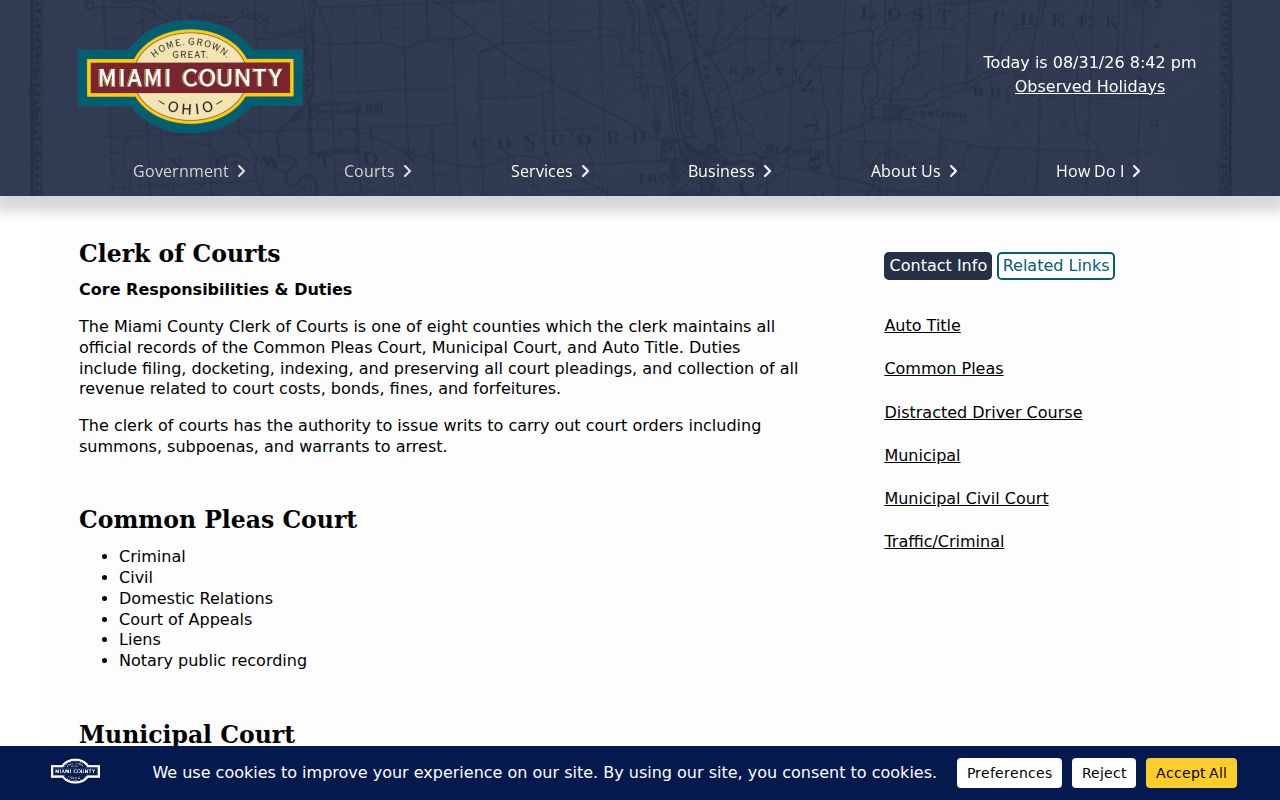
The directory earns its keep for one reason: Common Pleas and Municipal records sit at different downtown clerk-counter locations.
Miami County Clerk of Courts
Safety Building, third floor
201 W. Main St., Troy, OH 45373
(937) 440-6010
Miami County Court Docket E-Filing Change
A big change arrived for Common Pleas filings. Mandatory e-filing took effect June 1, 2026 under Local Rule 22. The court says the rule applies to pro se parties. It also covers all cases except civil protection orders and garnishments. CourtView adds its own wrinkle. It notes that a pro se party may file paper documents with written permission from Common Pleas Court. Both statements concern filing procedure only. Neither means every historic Miami County court docket document is scanned or available online.
For the court's e-filing information, the official Miami County Common Pleas General Division page is the source. It carries the current requirements.
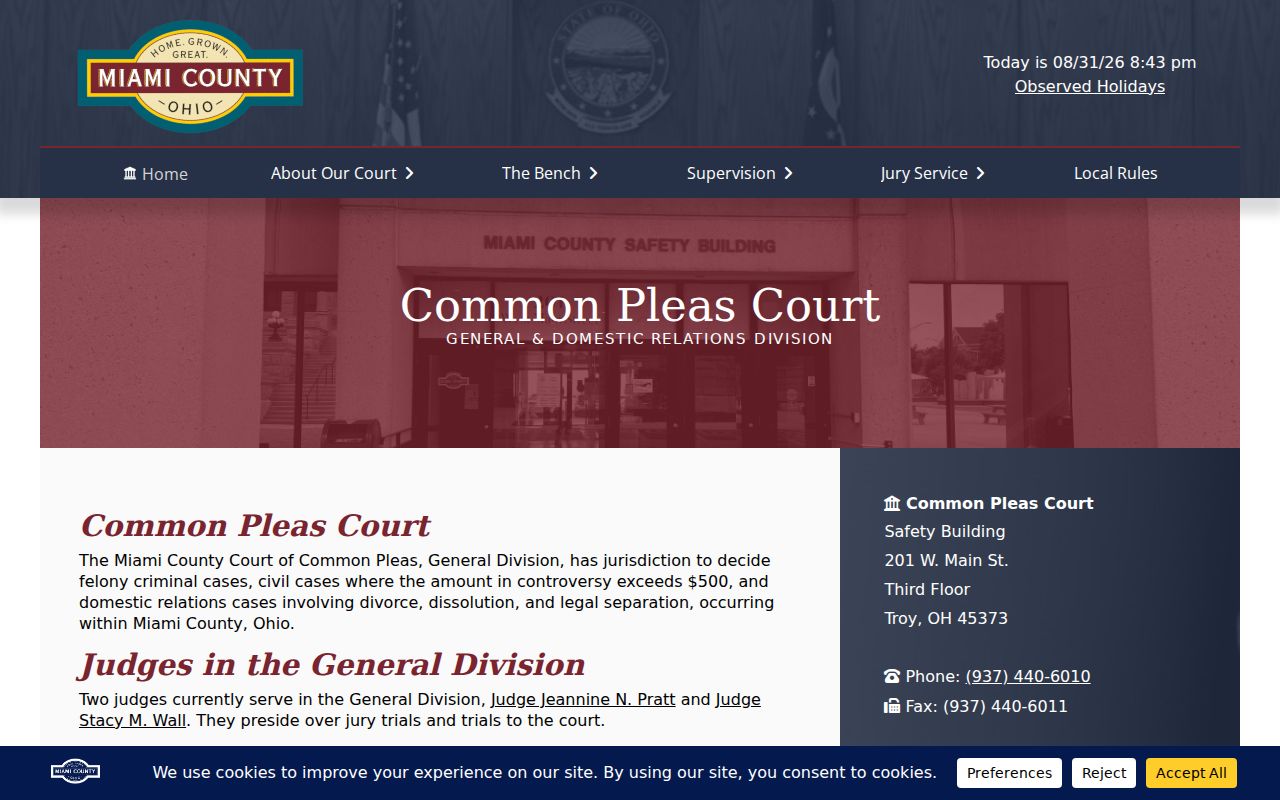
The Miami County CourtView system bundles a lot into one place. Filing, search, calendar, and payment paths all live there. The Clerk-held file remains the official record, whatever the portal shows. One detail trips up new filers. A proposed order may require the assigned judge or magistrate token that the portal identifies. Follow the current local rule for filing details. Follow the clerk's instructions too, rather than trusting an online case-information display.
Court Dockets by City in Miami County
Five city anchors organize the Miami County court docket map: Troy, Piqua, Tipp City, and the Miami County portions of Huber Heights and Union, per the county's 2022 state population table. Knowing the city helps you get oriented. The case papers matter more, though. Route any current Miami County court record by the court and county printed on them, not by city identity. Municipal Court covers the whole county. Common Pleas, Probate, and Juvenile dockets stay within their own divisions.
For local-government context on all five city pages, the county's Cities, Villages, and Townships directory lays out each jurisdiction.
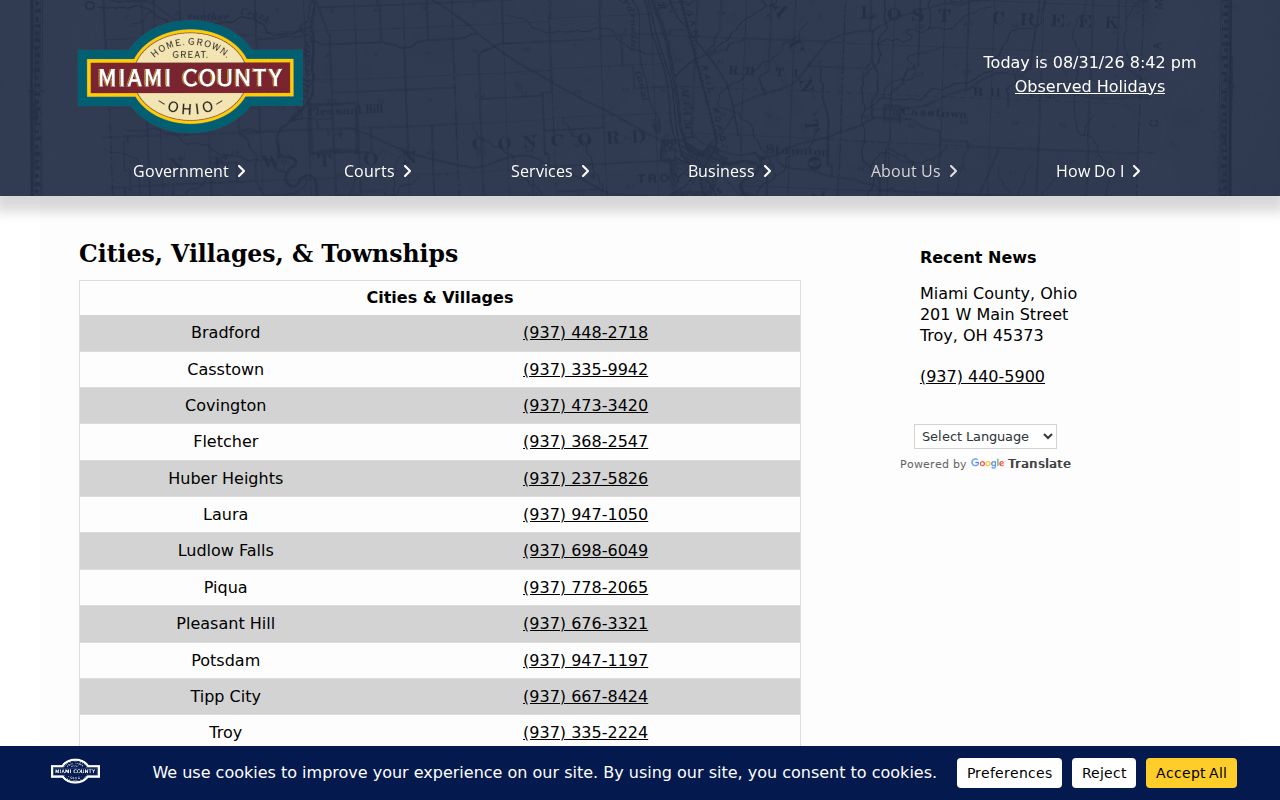
These five city pages keep the county-record path intact for a Miami County docket search. They also flag the boundary quirks that come with Huber Heights and Union, since each city straddles county lines.
Troy Court Docket
2022 Miami County population: 26,679. Troy is the county seat and court-office hub, but the court division still controls the record route.
Piqua Court Docket
2022 Miami County population: 20,607. Current county matters use the county court path by case type, not a separate Piqua portal.
Tipp City Court Docket
2022 Miami County population: 10,424. Municipal traffic, misdemeanor, and civil matters follow the countywide Municipal Court route.
Huber Heights Court Docket
2022 Miami County portion: 5,718. Confirm that the event is in the Miami County portion before choosing the court route.
Union Court Docket
2022 Miami County portion: 40. The city crosses county boundaries, so use the citation or case papers to confirm the court and county.
Miami County Court Record Copy Routes
Ask the office that holds the record. Miami County splits the work. Common Pleas and Municipal case records sit within the Clerk structure, while Probate and Juvenile run through their own court offices. The Common Pleas Clerk works out of the Safety Building at 201 W. Main Street. For Municipal matters, traffic and criminal records are at the old courthouse, 215 W. Main Street, third floor. Civil records are one floor down on the second. Counters open weekdays at 8 a.m. and close at 4 p.m.
Copy type matters. A file-stamped copy proves a document was filed, and a certified copy carries the clerk's official certification. Probate offers authenticated copies too, a higher-formality option. The Municipal records-request form lists a $2 per certified-page charge, payable in advance. But the form carries a date on it. Confirm current certification pricing with the clerk before you pay. Court-administration copying publishes separate per-page fees. That request is not the same as a court-file copy.
Call ahead when you need direct access. Ask the specific counter about your court record and whether a public-access workstation exists. Miami County makes no promise about lobby terminals, and nothing says an on-site screen shows more than the web portal.
Note: An online docket result can point you to the right case. When certification or a complete file matters, the official clerk copy supplies the court-held record.
Map and Directions to the Miami County Courthouse
Common Pleas criminal, civil, domestic-relations, and appeals files are kept with the Clerk of Courts on the third floor of the Safety Building, 201 W. Main Street in downtown Troy, next to the Miami County Courthouse. Probate and Juvenile share the same 201 W. Main Street address on their own divisional floors. Miami County Municipal Court sits in a separate building nearby, the old courthouse at 215 W. Main Street, so a traffic ticket or misdemeanor is not a Safety Building stop.
Miami County Clerk of Courts
Safety Building, third floor
201 W. Main St., Troy, OH 45373
(937) 440-6010
Monday-Friday, 8:00 a.m. to 4:00 p.m.; building opens at 7:30 a.m.
Visitors pass through a security checkpoint with metal detectors at the Safety Building entrance, so plan extra time and leave unnecessary items in the car. The court points visitors to downtown Troy parking information rather than publishing its own lot or rate, and no published courthouse ADA-terminal policy was found, so call the relevant division ahead for accommodation needs.