
Searching Cases by Name
Name searching starts at the official CourtView/eServices gateway. It covers both Common Pleas and Miami County Municipal Court matters. The landing page treats a name as one search concept among several. Case number, case type, attorney, and ticket or citation number sit alongside it. No required first-name and last-name order appears on that public screen. Follow the directions that appear after normal verification instead of guessing at a format.
Treat a name match as a lead, nothing more. Check the court, the case number, and the dates. Only then decide an entry is your matter. That matters when several public cases carry similar names. The county portal may hold back some filed documents and restricted matters.
- Classify the matter first. Common Pleas and Municipal records follow CourtView, while Probate and Juvenile have separate division routes.
- Open the official CourtView/eServices Case Search card in a normal browser and complete the verification prompt.
- Enter the name using the live on-screen instructions. The public landing screen did not document a mandatory name order or wildcard rule.
- Use any live court or case-type choice only as it is labeled in the verified session, then compare the returned court and case number with the information in hand.
- Keep the exact case number from a matching entry and confirm a time-sensitive setting with the appropriate clerk or court office.
| Field or pathway | Type | Required | Verified Miami County note |
|---|---|---|---|
| Case Search | Navigation card | Unspecified | The CourtView landing page names it as the public search route. |
| Case number | Search criterion | Unspecified | Exact live input format was behind verification. |
| Names | Search criterion | Unspecified | No public landing rule states name order or wildcard use. |
| Types | Search criterion | Unspecified | The full dropdown, if any, was not exposed before verification. |
| Attorney | Search criterion | Unspecified | Named by CourtView's landing text. |
| Ticket/citation number | Search criterion | Unspecified | Named by the landing text for the Municipal traffic/criminal path. |
Miami County Case Search Routes
Miami County runs one Clerk of Courts across Common Pleas and Municipal Court records. Yet there is no single all-division search screen. Common Pleas felony, civil, domestic, and appeal matters generally begin in CourtView. Municipal criminal, traffic, civil, and small-claims matters start there too. Probate and Juvenile sit on separate court-office paths.
| Matter type | Online route | Official fallback |
|---|---|---|
| Common Pleas criminal, civil, domestic, appeals | CourtView/eServices | Common Pleas Clerk |
| Municipal traffic, criminal, civil, small claims | CourtView/eServices | Municipal Clerk division |
| Probate | Separate Probate case-search link | Probate Court office |
| Juvenile | No general public search documented | Juvenile Court office |
A Municipal Court felony event is often just the first layer. A Common Pleas case can follow grand-jury action or a transfer. The right court name and case number keep a docket search from stopping too early.
Searching by Case Number
Take the number exactly as cited. Use the citation, clerk notice, court paper, or a verified result screen. CourtView lists both case number and ticket/citation number as search concepts. The county publishes no universal format covering Common Pleas, Municipal, Probate, or citation numbers. Don't add punctuation, a year prefix, or a court-type code the original never printed.
Probate's weekly docket shows numeric identifiers, including current eight-digit values. But no county source explains a fixed sequence or type code. So the honest instruction is copy the exact cited number rather than inventing a pattern. When nothing comes back, confirm the court division first before touching the number.
Miami County CourtView Case Search
The CourtView Case Search entry serves Miami County Common Pleas and Municipal Court case information. Its landing screen presents an "I'm not a robot" check. The legacy search controls appear after it. Complete it through the ordinary browser flow. That check is an access condition, not a sign-in. It is not evidence that a case is missing.
County terms prohibit bulk downloading, data mining, and any direct parser bypass. They also warn of planned and unplanned outages. When a session fails, call the clerk's official phone line or visit the counter rather than retrying automatically or hunting for a workaround. The official CourtView search entry shows the county's verification state. It reveals no private case result.
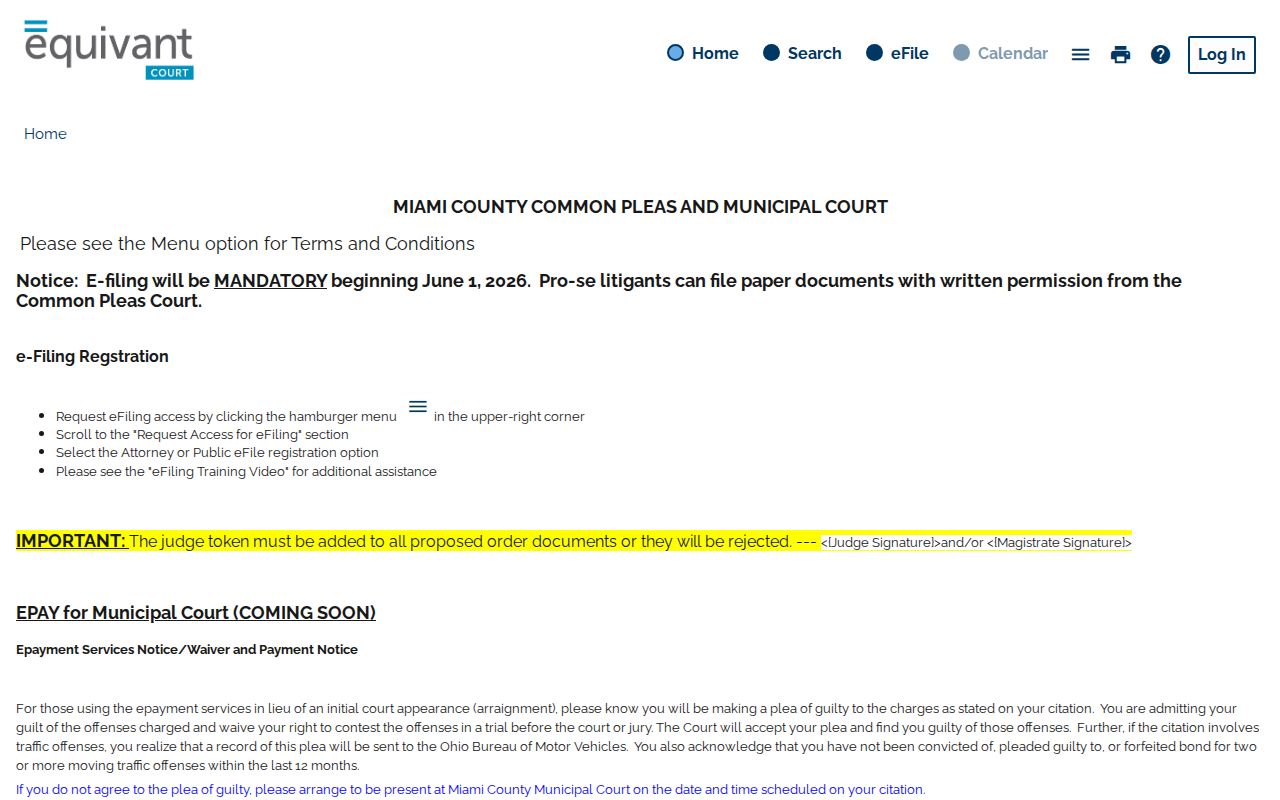
The interface marks the official local route for case information.
What a Case Search Returns
Miami County labels the online material "case information" and "public information." A result can help you spot a case number, a caption or title, the court layer, the event sequence, setting details, status, and any documents the county releases. Not every result carries every field or every filed document. Column layout can vary by case.
| Case number | The court-assigned identifier. Use the exact number from a citation, notice, or verified result. |
|---|---|
| Case title or caption | A case identifier that may be visible as public access rules permit; Probate's weekly docket labels this field “Case Title.” |
| Court or division | Needed to distinguish Common Pleas, Municipal, Probate, and Juvenile routes. |
| Event or setting information | Public case information may show a sequence or setting, but a current appearance should be confirmed with the court. |
| Documents or status | May be selected, limited, or absent online. The Clerk's kept file is the official verification source. |
Treat a result as a record-location tool. A certified copy, a file-stamped copy, or a transcript needs its own request path, and no screen display can stand in for it.
Miami County Probate Case Search
Probate runs its own county route. Begin at the Probate Case Search page. Then use the Probate Court's case-search link or its Weekly Probate Court Docket to catch a near-term setting. CourtView is not a complete Probate substitute. For anything the online route won't answer, the Probate office itself is the source. Call (937) 440-6050.
The weekly docket offers a public three-field calendar: Case Number, Case Title, and Date & Time. Mental Illness and Adoption matters are left off. So an absent item in those categories is never a negative result. The official Probate case-search page marks this distinct division route.
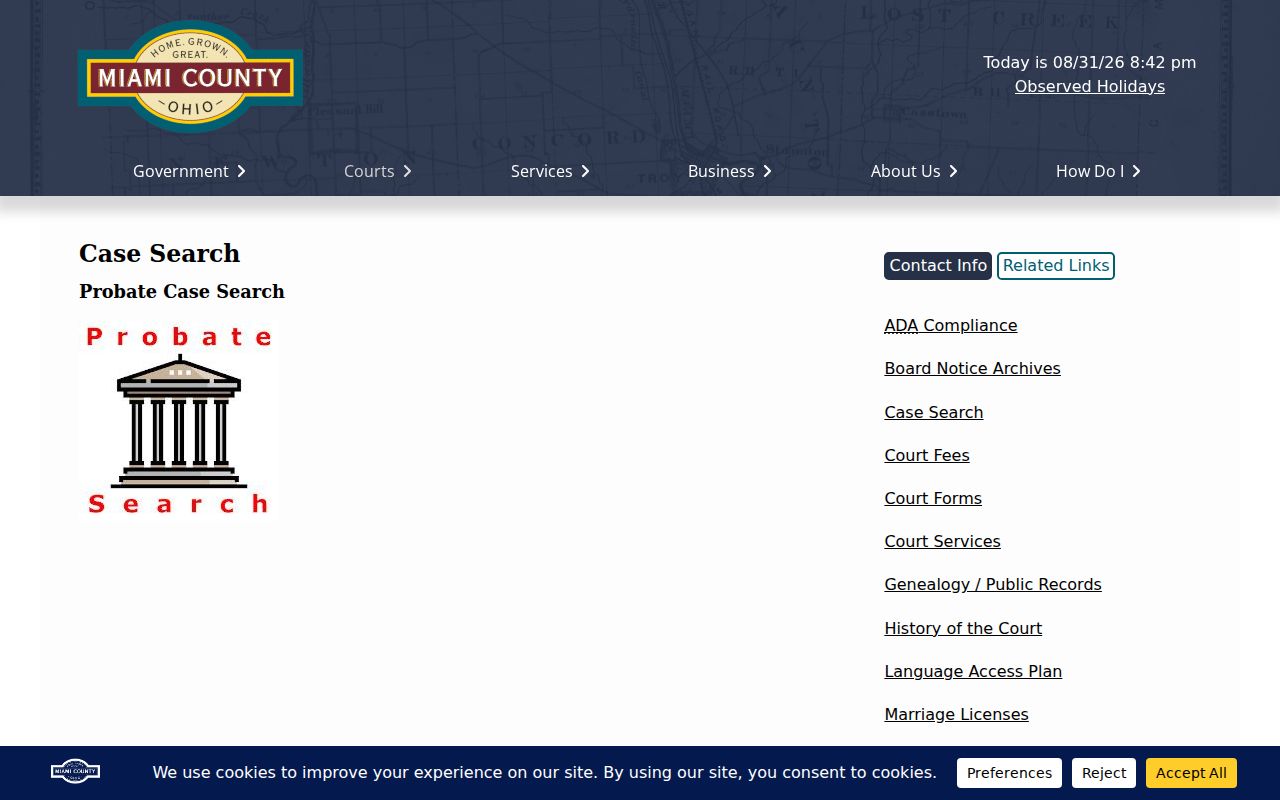
Its separate placement signals that Probate proceedings do not sit inside the general CourtView path.
Statewide vs County Case Search
Ohio offers no single statewide trial-court docket search that could replace Miami County's own routes. A county case search begins with CourtView for Common Pleas and Municipal matters, the Probate route for Probate matters, or the authorized Juvenile channel. A generic statewide fallback would blur those lines.
| Universal Ohio trial-court portal | Miami County court routes |
|---|---|
| No universal portal documented | CourtView for Common Pleas and Municipal matters |
| Cannot stand in for every county or division | Separate Probate case-search and weekly-docket path |
| Not a route to a general juvenile name search | Juvenile Court office handles authorized case-specific questions |
Miami County Case Search Limits
CourtView shows only selected public information. Treat it as a convenience view of the docket, not the whole file. The county's access conditions warn that not every filed document appears online. Outages can also take material offline. A missing image proves nothing about whether a filing exists. The right follow-up is the Clerk or the division holding the official record.
Miami County's local materials also separate court records from filing systems and court rules. CourtView and eServices support filing functions. Even so, a search result is not a certified or authenticated document. The General Division's e-filing notice and local rules cover procedure, not public case results. The Common Pleas court-rules index is the official reference. It covers the division's filing and technology rules.
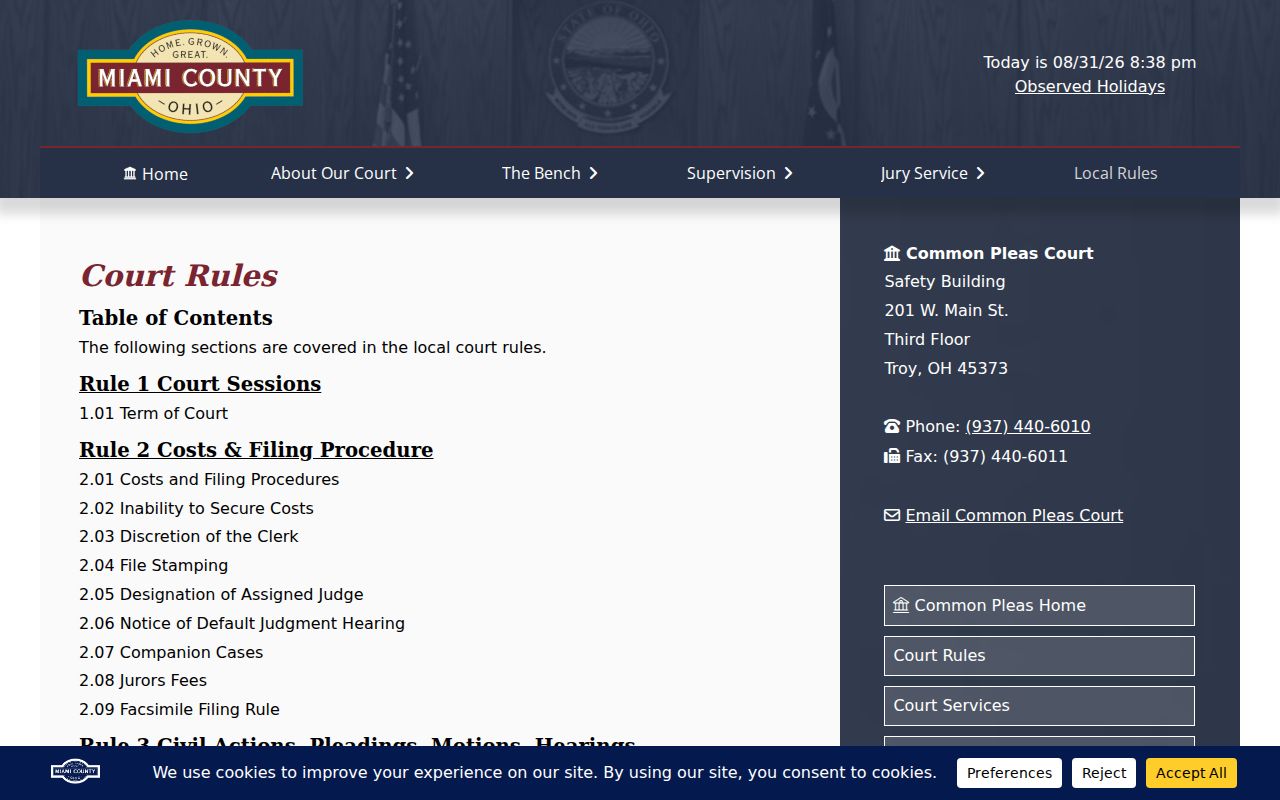
Rules explain procedure; the clerk's file confirms the record.
Access and Restricted Cases
An empty CourtView screen proves nothing. Online coverage of the docket is selective. A document may sit outside the public view, or a name may be redacted. Sealed or expunged adult matters stay off the display. Some categories are never shown publicly at all. Ohio's court-record rules permit limits on remote access even where direct access is treated differently.
When an adult record is sealed or expunged, that court process governs. For any public-record question, name the division first. Ask the authorized clerk about the permitted route. Skip the name variants, third-party copies, and technical workarounds. None of them lifts a restriction the court has put in place.
Miami County Case Search Boundaries
Juvenile matters are not a routine CourtView search category. The court offers no comprehensive juvenile name search online. Juvenile Court runs its own clerk and traffic bureau at (937) 440-5970. A parent, guardian, party, or attorney with a case-specific question should use that channel rather than treat the adult portal as complete.
Probate draws its own line. That weekly docket skips adoption and mental-illness categories. Annual reports describe the Juvenile Court's work in aggregate. They cannot replace a private individual's case history or a permitted records request. The Juvenile annual-reports page posts aggregate context and a way to request prior reports.
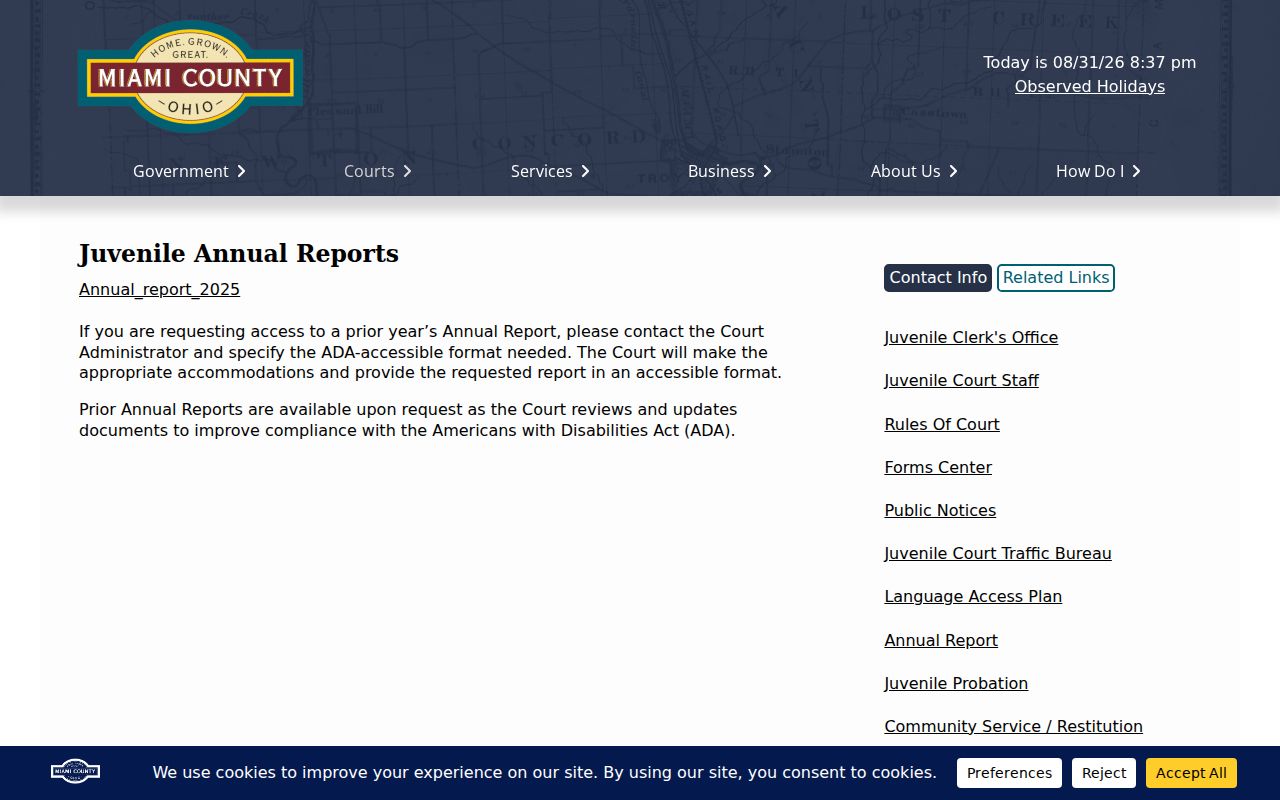
Annual reports count court activity in the aggregate. Turning juvenile cases into a general public search category is something they do not do.
Miami County Clerk Case Search Fallbacks
When CourtView stalls, change tactics. Common Pleas matters go to the Clerk at 201 W. Main Street, third floor, (937) 440-6010. Municipal traffic and criminal matters belong to the third-floor municipal clerk at 215 W. Main Street, (937) 440-3910. Municipal civil filings go to the second-floor clerk in the same building, (937) 440-3919.
Probate also uses 201 W. Main Street. Its number is (937) 440-6050. Juvenile sits at 201 W. Main Street as well, reachable at (937) 440-5970. Clerk-held docket records can be inspected or requested locally. Common Pleas and Municipal each route those requests through the relevant channel. The county posts no inventory of courthouse public terminals. Call before visiting. That one phone call tells you whether an on-site workstation exists and what it can do.
Miami County Case Search Records
A public search result is not a certified record. For Common Pleas file-stamped materials like judgment entries, the county sends requests to the Clerk of Courts. Municipal Court splits its policy in two. The Clerk maintains some records, while court administration keeps others. Probate publishes its own fee schedule for certified and authenticated copies. Every route depends on who keeps the document.
Federal cases sit outside Miami County court records. PACER and the federal clerk handle those, not the Miami County Clerk. For local matters, keep the case number, the court, and the last visible event handy. Use them when you call or visit.
Miami County Case Number Searches
A case number keeps court layers from blending together. It also separates similarly named public matters. A ticket or citation number is especially handy for Municipal traffic and criminal records. CourtView names that category directly. For a felony that began with a Municipal preliminary stage, look for a Common Pleas case number in later documents after transfer or grand-jury action.
Use the number exactly as cited. Repeat it when checking a setting, asking for a file-stamped copy, or seeking a certified record. No exact number? Then identify the correct division before running a name search on the docket. That order respects the separate CourtView, Probate, and Juvenile boundaries in Miami County.